Lightning Rambles
Features
AAC features lead by a user for users
Motor Planned Aspects
(01)

Context Dependent Aspects
(02)

Aspects of Lighting Core use motor planning to reduce cognitive load through routines.
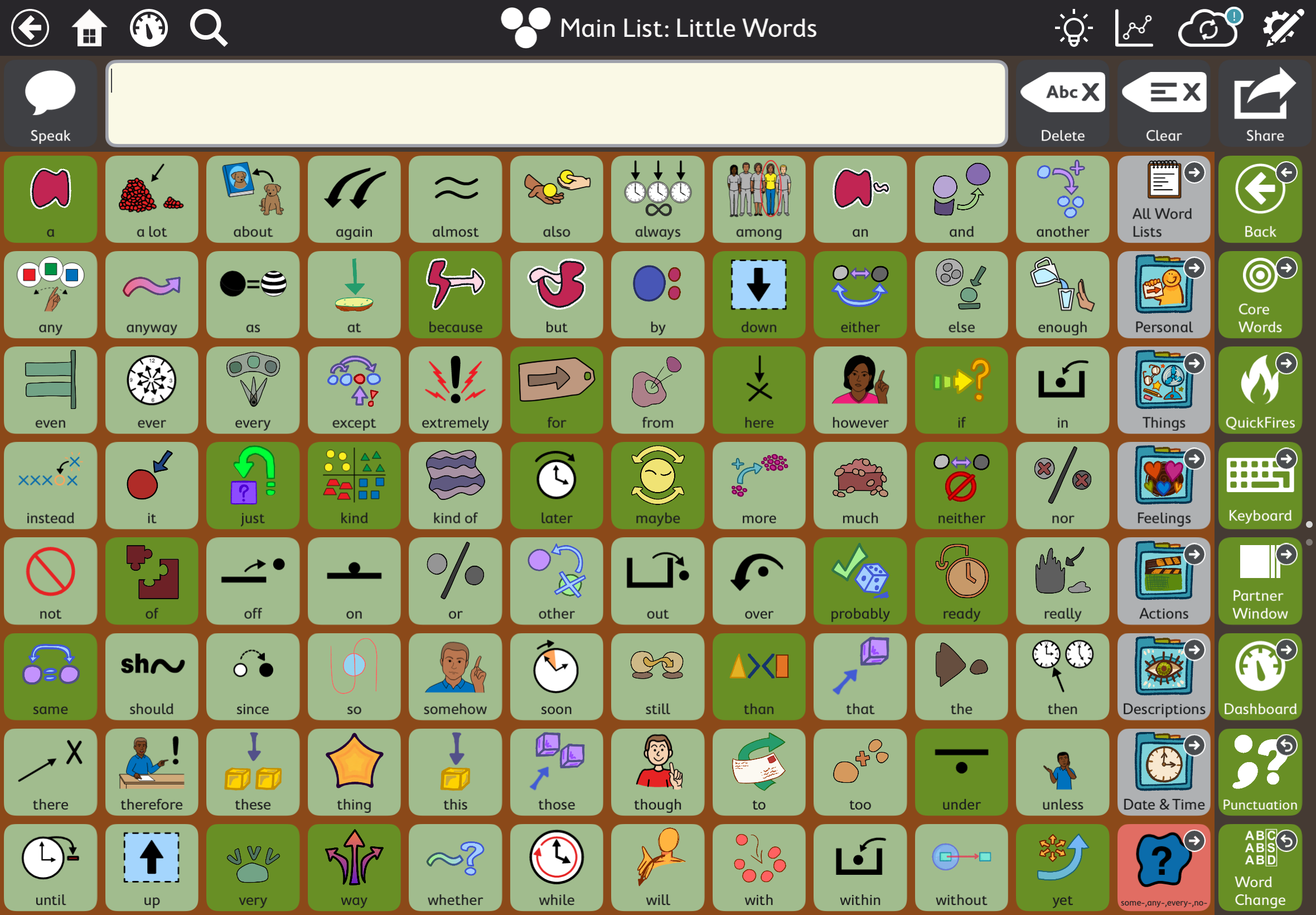
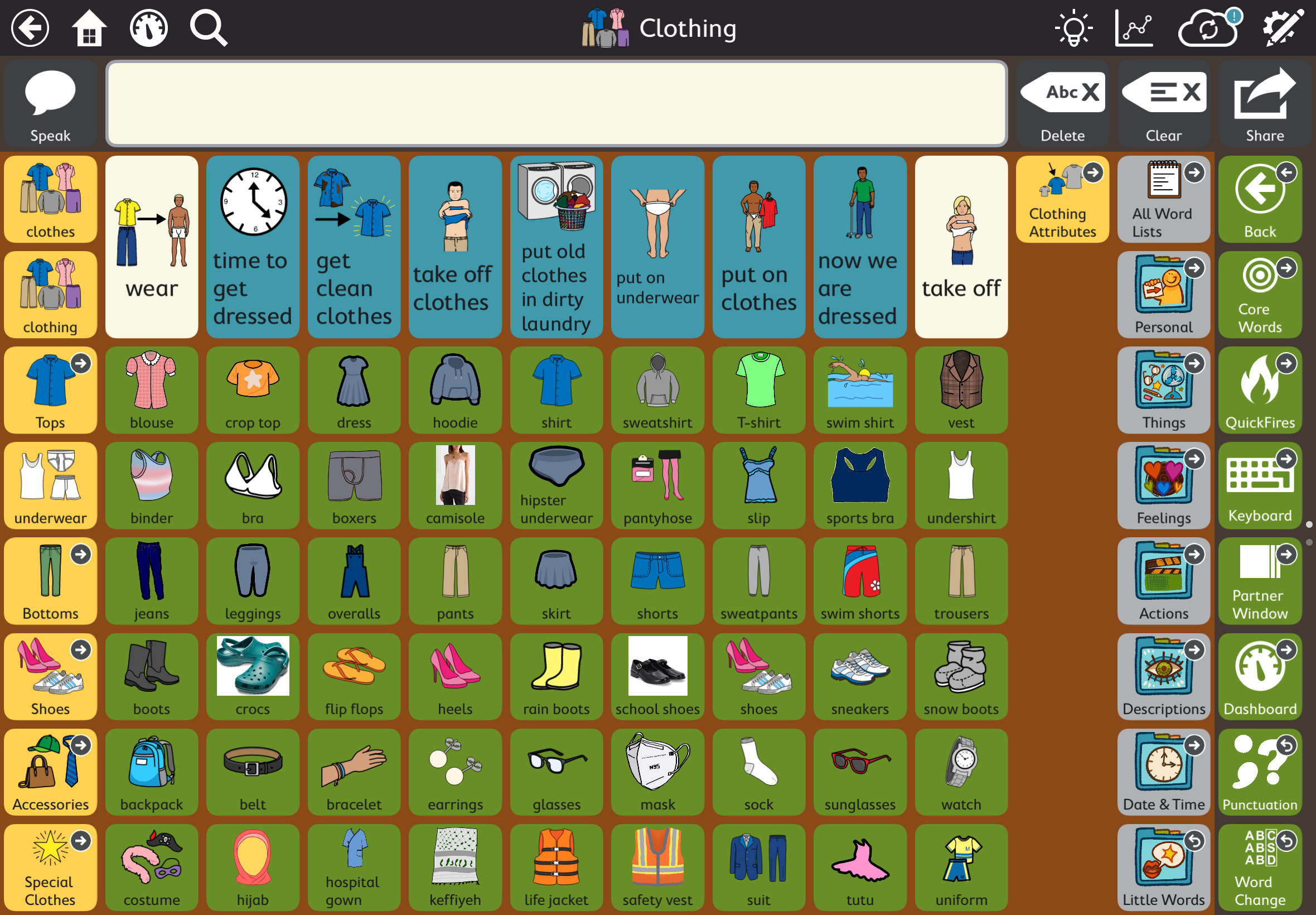
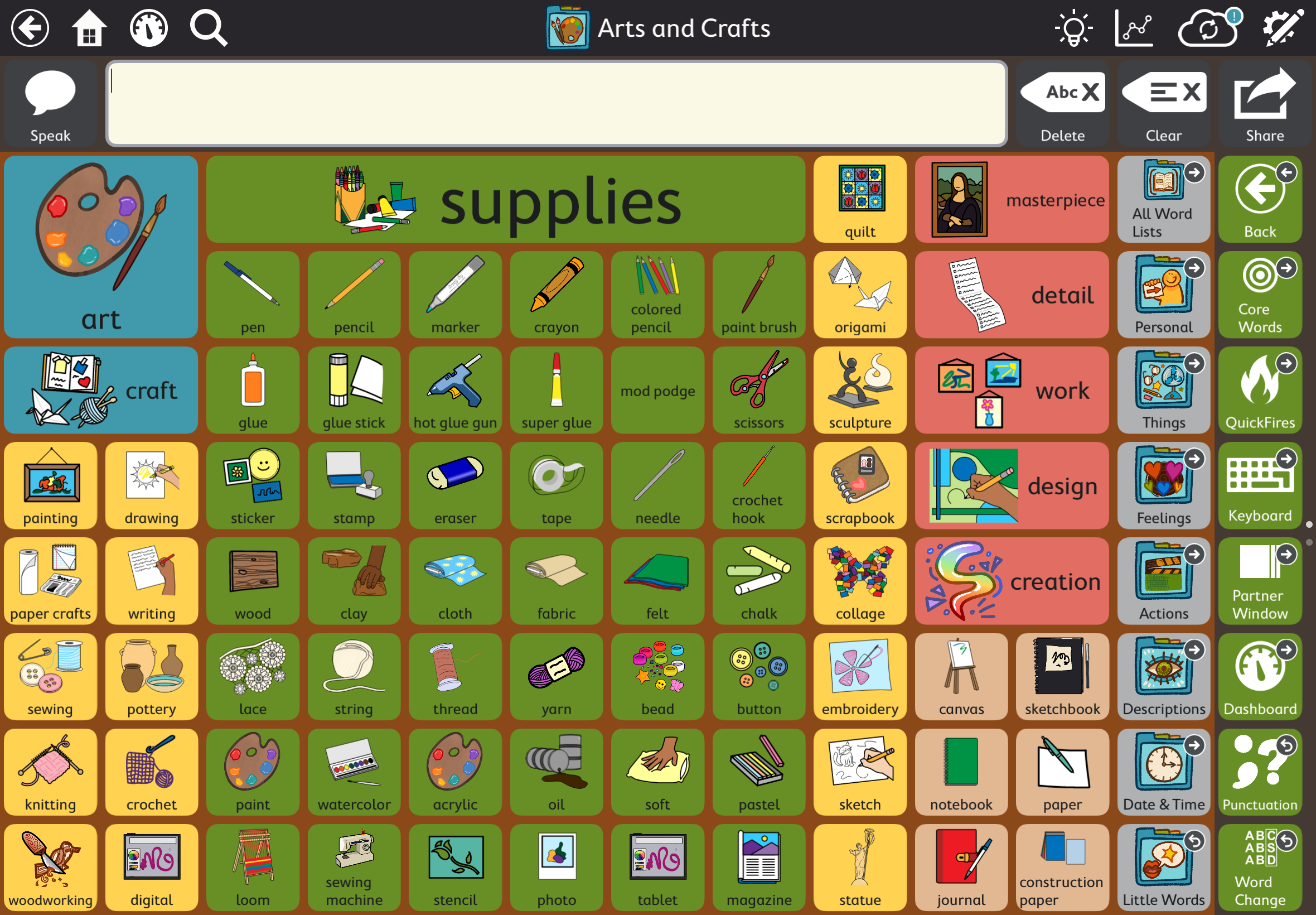
Aspects of Lightning Core use context dependent designs to help organize your AAC system by categorical concepts we have been taught since childhood.
Disability Affirming Framework
(03)

Core Words
(04)

Lightning Cores strives to be inclusive, actively including disabled people, values, and culture into it's framework and design.
The main feature of Lightning Core is its main vocabulary set that starts with a prototype of around 7,000 words and aims to eventually reach the goal of 20,000 to 35,000.
Quick Fires
(05)

Keyboard
(06)

The quick fires section has quick and commonly loaded phrases. Lightning Core comes with some preloaded phrases along with space for customization so your AAC device sounds like you.
Lightning Core features a keyboard so literate users have full access to every letter, word, and combination possible in the alphabet.
Partner Window
(07)

Dashboard
(08)

A partner window allows for easier sharing of words to create access to avenues of communication.
A dashboard allows access to technical materials and scheduling.
Punctuation
(09)

Word Changes
(10)

Punctuation gives options for users to have access to tone through their AAC device.
Word changes improve access to grammar, providing a greater range to language and resources.
Adult Pageset
(11)

Child and Teen Pagesets
(12)

The adult pageset includes an expansive vocabulary related to intercourse and explicit vocabulary including swears.
The child pageset has a young child and older child version. Both have access to a puberty page, with the older pageset having beginning access to words pertaining to intercourse and sexual education while the younger pageset gives entry access to education. The older pageset has age appropriate terms to vulgarity and slang language.
Take a quick look around